





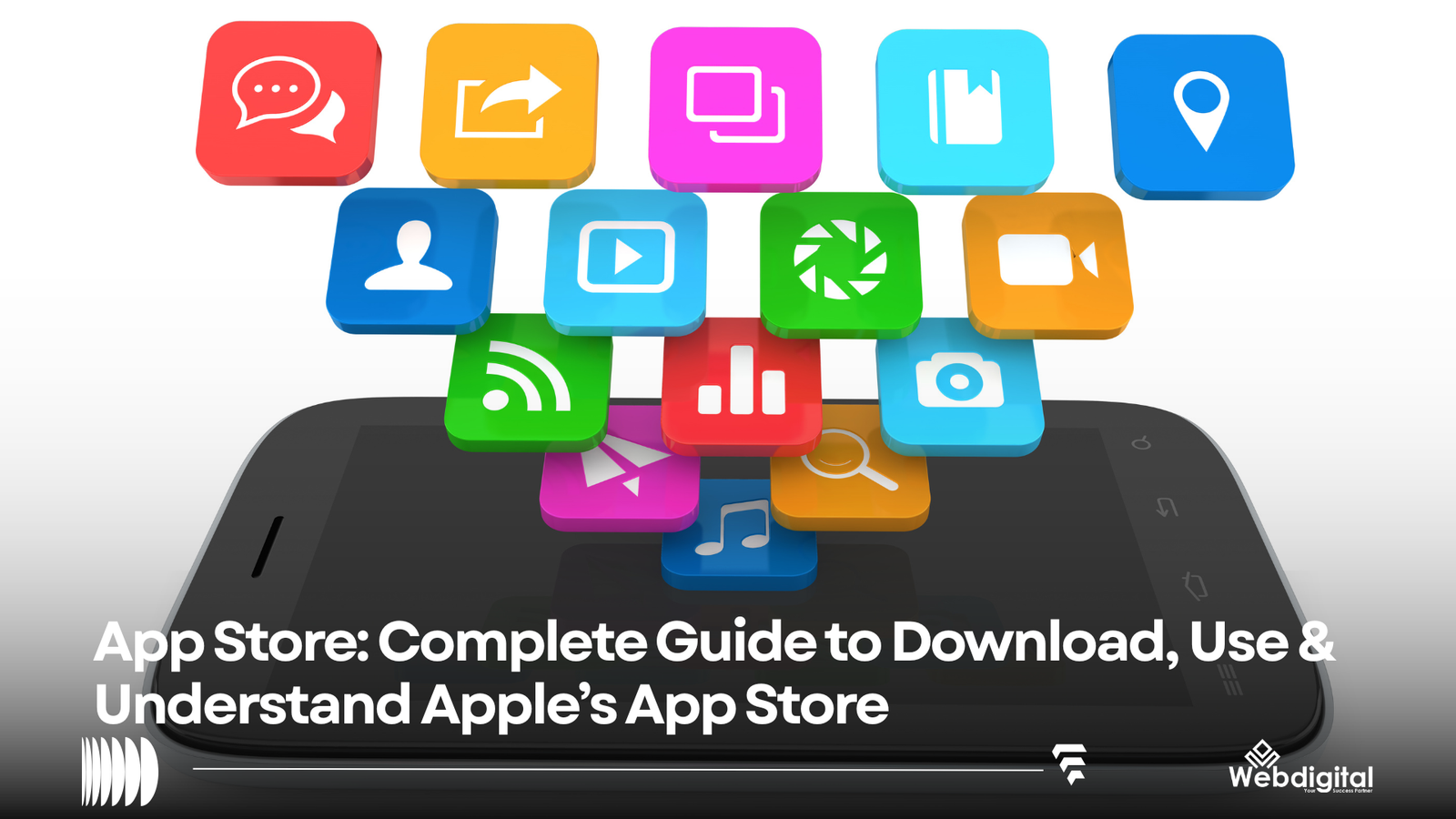
Any type of software, from games to productivity, can be found in the App Store and is geared toward a variety of age groups. The App Store is tied to all Apple products including iPhones, iPads, Macs, Apple Watches, Apple TVs and the newest device, the Apple Vision Pro. As of 2022, Apple reported that its App Store had more than 2 million apps. Also, the App Store is localized to about 175 countries.
Using the App Store is rather simple. To find an app, a user just has to search for it or be directed to it. After that, the user is just one tap of the “get” or “buy” button away from downloading the app.
Of course, the App Store is more complex and serves many other functions including ratings and reviews, subscriptions, and payments.
The App Store is Apple’s official “store” where users can download and buy apps and games for iPhones, iPads and other Apple products.
It provides users with a single location to:
- Find apps
- View app categories
- Acquire free apps
- Pay for apps and app content
- Change app subscriptions
- Rate and review apps
- View app details
- Edit apps on the device
- Find games and content from Apple Arcade
- See what is featured and what is being recommended
The App Store is meant to help users of Apple products find apps.
Apple claims there are numerous ways to search and discover apps. These include:
- Searching
- Viewing stories
- Taking a look at collections
- Viewing app ratings and reviews
- Attending events
- Viewing what is popular
- Viewing what is recommended for the user
What is the Apple Store?
Apple Store is not the App Store. The App Store is the virtual store from where Apple’s device users shop for apps and games, and the Apple Store is where users shop for Apple’s devices and related products. The App Store offers the Apple Store app.
What does the App Store do?
The App Store gives Apple devices users access to apps.
In detail, the process entails that developers create apps, give them to Apple, and Apple decides if the apps should be available to Apple’s devices users via the App Store.
Apple app users can, in effect, access apps and give themselves the latest versions.
The App Store requires apps to go through a process to validate if the apps will keep Apple’s users safe, secure and private while using contents that are appropriate and legal. Apple also ensures apps do not compromise Apple’s business.
How to Get an App From the App Store?
To get an app from the App Store, you need to locate it and download it.
To download an app from the App Store:
- Launch the App Store from your home screen. If you can’t find it, look for it using Spotlight Search. According to Apple, some customers may not be able to locate the App Store due to a restriction on app installation.
- Search or Browse for the App. You can find Apps and Games in the search and browse area. Apple recently updated the App Store to include more natural language queries to assist users in locating apps.
- Visit the App’s Product Page. For additional information about the app, you can view the app description, view screenshots and/or videos, check the app’s ratings and reviews, find out the age appropriateness of the app, and see if the app contains in-app purchases.
- Download the App. If an app has a Get button, you can download the app for free. However, a Get button does not necessarily mean the app does not contain items you must purchase. Apple states that a free app can contain features, items, and/or subscriptions that you must pay for.
- Enter your Apple ID Password. You will be prompted to enter your Apple ID password to download the app. Once the password is entered, the app will begin downloading to your device.
Once you have finished installation, tap the app to launch it. You can also locate the app using your Home Screen or App Library.
Is it Going to Cost me Anything?
It won’t cost you anything to download the apps you want. However, prices for individual apps can vary.
What About This “Get” Button?
Free doesn’t always mean free. Apps with the Get button can have optional IAPs and/or subscriptions.
What is an In-App Purchase?
An in-app purchase (IAP) is something you purchase inside an app that provides additional features.
IAPs can include:
- Removing ads
- Accessing locked game levels
- Buying game currency
- Accessing premium features
IAPs can also provide access to:
- Streaming content
- Cloud storage
- Edit tools
IAPs can be a better option for the app developer than charging a one-time fee because the user is charged each time the IAP is purchased.
What is an App Store Subscription?
An app developer can also choose to provide access to premium features through an App Store subscription. Features provided through an App Store subscription renews on an ongoing basis. Before subscribing, check the features provided and when the developer plans to charge you.
Apple states that App Store subscription renewal is charged based on the terms disclosed to you before you agree to the purchase.
The Importance of App Updates and How to Get Them from the App Store
You should update your apps to gain access to the latest and greatest features and improvements.
The process to update your apps on an iOS device can be a bit convoluted and is different for each app. You can also manage your app updates from the settings menu on your iOS device.
If you can’t update an app, Apple suggests that you check if you have an active payment method on file. If you have an active billing issue, you may not be able to update any apps even if they are free. You should also make sure that your device is not experiencing any other issues by restarting it.
If you can’t download an app from the App Store, it could be because of an issue with your internet connection, or there could be a billing issue with your account. The App Store may also have issues that are outside of your control. Contact Apple Support if you are unable to resolve your issue.
You can also check which apps you’ve previously downloaded and deleted. If you’ve deleted an app from your device, you typically do not have to repurchase it.
Apps you have downloaded through your Apple account can be found in your purchase/download history. Once found you can download them again if they are available.
Apple has stated that you can find previously downloaded apps on your device by using a standard device search or through the App Library.
The App Store has locations for both iPad and iPhone. Either can be used to search for apps. The availability of apps may be different for each device. Some apps are made only for the iPhone, some only for the iPad and some are made to be used on both devices. To check if an app is available for your device you can check the app’s info page.
Macs can also use the App Store to get apps in a similar way as iPhones and iPads.
Macs with Apple’s M1 Chip can run iPhone/iPad apps, however, not all apps support this feature. Apple support states that some iPhone/iPad apps may be available for Macs with Apple’s M1 Chip.
Apple’s App Store and Google’s Google Play are the primary app marketplaces for their devices.
| Feature | Apple App Store | Google Play |
|---|---|---|
| Main Ecosystem | Apple Devices | Android Ecosystem |
| Main Mobile Platforms | iOS/iPadOS | Android |
| Developer Distribution | Apple Developer Ecosystem | Google Play Console Ecosystem |
| App Discovery | Search, Categories, Charts, Editorial | Search, Categories, Recommendations, Charts |
| Developer Review | Apple Review Process | Google Play Review Process |
| App Purchases | Apple In App Payments | Google Play In App Payments |
| Developer Optimization | App Store | Google Play |
Two competing platforms fulfill the same function, but differ in several aspects such as publishing process, policies, developer tools, and search behaviors.
When it comes to development, there is little advantage in replicating an app listing on one store to the other. As different research studies have indicated, the two store listings differ not only in structure but also in search behavior and metadata.
Is The App Store Safe?
Apple has multiple layers of security to protect users.
As noted by Apple, all apps are reviewed to ensure they contain no objectionable material, and use approved business models. Apple also notes that apps are reviewed to ensure they do not contain malware. However, users need to be cautious.
Some tips when considering the safety of an app:
- Review the developer name.
- Read recent user reviews.
- Assess the app’s privacy policy.
- Review the app’s content and age ratings.
- Consider the app’s subscription and in-app purchases.
- Avoid permissions an app does not need.
- Think before you click on app downloads, especially if you do not trust the source.
While the App Store and Google Play have competing apps, users should review apps before they download.
How Does App Store Search Work?
App Store search is critical for users to find apps and for developers to get their apps discovered.
Users can find apps by using different synonyms, by name, by app category, and so on.
According to Apple, factors considered to rank apps in the search results include the app name, app subtitle, app category, user’s search query and its relevance to the app, user’s app rating and review, and user’s app purchase history.
It is important to optimize an app listing in the App Store to achieve higher visibility and improve app’s conversion rate. This practice is known as App Store Optimization (ASO).
App Store Optimization includes but is not limited to app’s name, subtitle, description, preview videos, ratings, reviews, categories, and version updates.
The process of publishing an app on App Store
In order to publish an app on the App Store, developers need to create the app and test it. Next, they need to add app information and create an App Store Connect entity. Then, they need to upload the app to Apple’s servers and set its price and availability. Last, they need to wait for Apple’s review and app’s release.
After the app is published, developers need to update and improve the app by using App Store Connect, Apple’s development platform. Developers can use this platform to manage the apps they publish and gain insights on the app’s sales and customer’s use.
A great app listing quickly communicates key information to users. It includes:
- The name of the app and its main function
- The demographic that app benefits and its usage scenario
- Why the app is useful and how it will improve the user’s life
- App screenshots to showcase its features and interface
- The app’s price and if it includes IAPs or subscriptions
- Privacy information
There are certain mistakes that users and developers both make when it comes to app stores.
Mistakes Users Make
- Failing to check the developer of an app before downloading
- Not considering subscription prices
- Believing that “Get” apps are completely free
- Not checking if an app is compatible with the user’s device
- Ignoring an app’s privacy policy
- Using unofficial app stores
Mistakes Developers Make
- Including too many keywords in app metadata
- Using misleading app screenshots
- Making unsubstantiated claims about an app
- Refusing to comply with the App Store’s review process
- Ignoring review and feedback from users
- Thinking that ASO is a one time process
There are many strategies to improve your app store optimization.
- When searching for a new app, be specific. Type in the exact name of the app you want to download. This will help filter out similar apps that may be of poor quality or look similar to the app you want.
- Read app reviews. Check what the average rating is, but also look at recent reviews to see if there have been improvements or what the current issues with the app are.
- If multiple apps have the same or similar functionality, check which developers made the apps. Often times, a developer will have many similar apps.
Terms of Subscription
Be cautious when downloading “free” apps. Some allow for repeated charges. Review prices before trial or subscription.
Keeping Your Apps Up to Date
It’s a good idea to keep your apps up to date. Developers can change or improve their apps.
Details About Apps on the App Store
Apps have pages on the App Store, just like products do on other online stores. App pages have details like ratings, reviews, and pictures.
What is the App Store?
The App Store is a digital storefront operated by Apple, Inc. that allows users to purchase and download applications for Apple products.
Is the App Store the same as the Apple Store?
The App Store and the Apple Store are not the same. The Apple Store sells physical goods and the App Store sells digital goods.
Is the App Store Free?
The App Store is free with the purchase of an Apple product.
How do I download apps on my Apple product?
On your Apple product, open the App Store. Search for the app you want. Click the app. Click the price or the word “Download.” If prompted, enter your Apple ID and click “Purchase.”
Can I download apps on a Mac?
Yes. A Mac has the App Store.
What is the process for returning apps?
To return apps, go to the App Store, click “purchased,” find the app you want to return, and click the button that says “report.” Enter why you are returning the app and click “submit.”
Can’t download apps from the App Store?
Trouble downloading apps from the App Store may be attributed to a number of reasons. These may include limitations in your Internet connection, issues in your Apple ID account and billing, inadequate storage space in your device, incompatibility of your device with the app, geographic restrictions, and server issues. To resolve the problem, you may want to try any of the possible solutions described by Apple for a failed download.
What is App Store Optimization?
App Store Optimization (ASO) is a technique used to enhance the ranking and rating of mobile apps in app distribution platforms. ASO encompasses a set of strategies to optimize mobile apps with a focus on the app’s metadata and other contents, ratings and reviews, localization, and various other techniques.
Are there absolutely no cost apps in the App Store?
No. There are mobile apps available for purchase in the App Store. Also, some free apps may contain in-app purchases or subscriptions.
Apps in the App Store
For the average user, the App Store offers a one-stop shop to locate mobile apps, learn about them, and download the apps. The App Store also allows users to make purchases, and manage subscriptions and installations.
The App Store serves as a mobile app distribution center for developers. Additionally, the App Store offers developers a myriad of services and tools including app submission, review, and distribution.
The process of installing an app from the App Store is fairly easy. To install, you just need to locate the app in the App Store, and click the Download or Buy button. To purchase the app, you will be required to authenticate payment.