





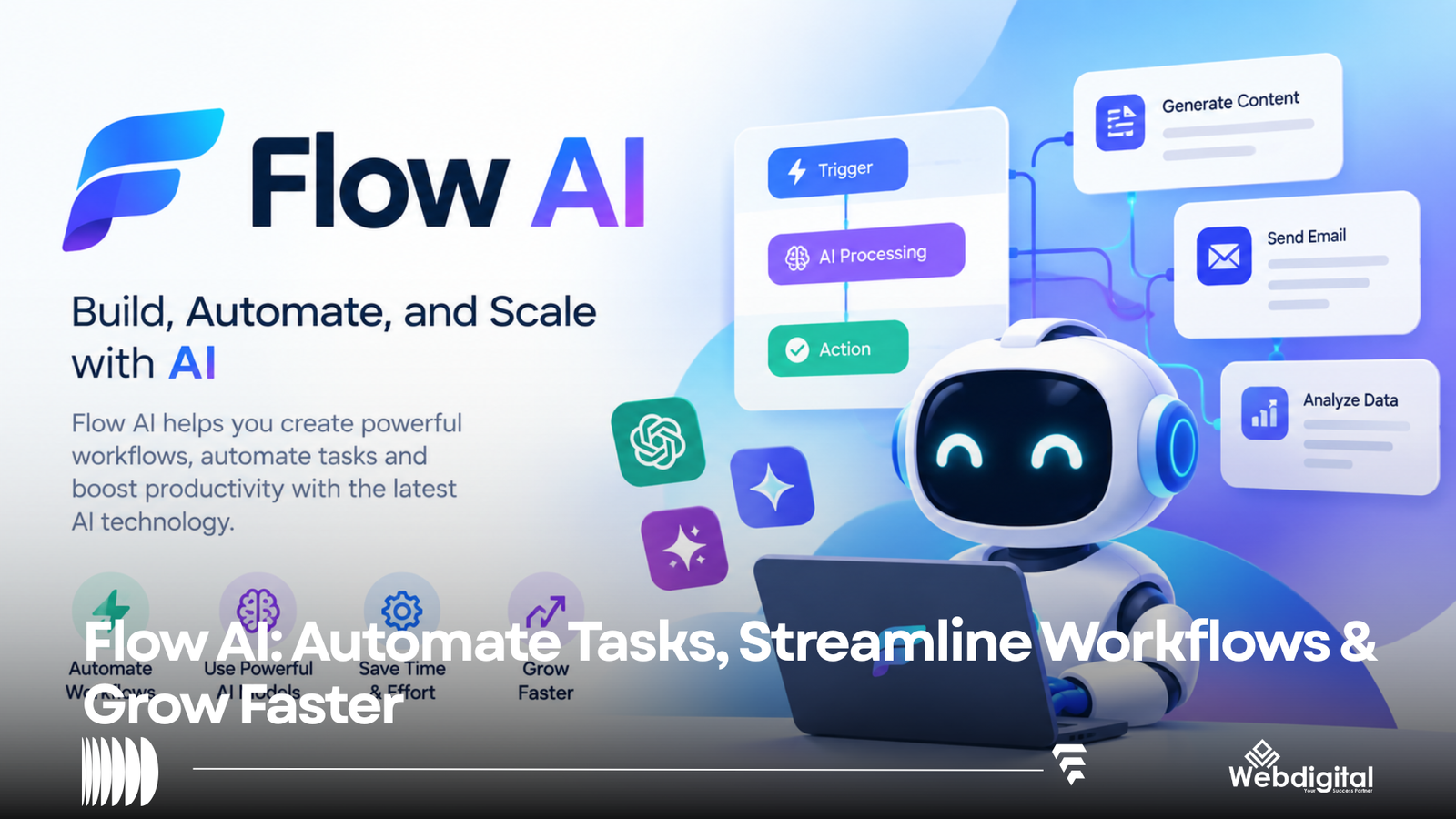
It’s worth noting that multiple AI products currently use the Flow AI branding. Therefore, a web search for “Flow AI” will direct you to various products. Some products under this branding automate repetitive tasks in LinkedIn sales, while others build and deploy AI data agents. Further, a set of products provides generative AI models to create pictures and videos. Additionally, Google offers Google Flow, a studio that provides AI models for filmmaking and other creative tasks.
This article will describe the different products associated with Flow AI, their core features and functions, potential uses cases, pricing, and other relevant information.
In general, products associated with the Flow AI branding have similar interfaces and core offerings. Thus, the most important consideration when coming across Flow AI products will be the type of AI you need (i.e. data agents, sales automation, image/video generation, Google’s AI for filmmaking).
What is Flow AI?
Currently, the Flow AI branding encompasses a set of similar AI products. Some of the products in this branding include the following:
- AI data agents.
- Sales automation for LinkedIn.
- Generative AI models for pictures and videos.
- Google’s AI for filmmaking.
These products are distinct and therefore can’t be compared.
A more relevant question is what goals do you hope to achieve with Flow AI?
Flow AI for AI Agents and Application Development
Another Flow AI focused product is geared toward building AI agents for application development.
It provides information about a framework consisting of agents, plans, tools, and runtime control and integrates approval policies and manipulate data/knowledge.
Thus, the focus of this version of Flow AI is on software developers and technical users.
What Abilities do Flow AI Agents have?
Flow AI provides a number of agent types which include:
A user request is routed to a Coordinator agent which in turn coordinates with a Planner agent to create a plan to accomplish the goal. The Executor agent then carries out the plan.
A Specialist agent may be used to perform a task which requires analysis of a document or other data.
In the Flow AI system, the planning component is distinct from the execution component. An approval process can be integrated to control the execution of a plan if the action is beyond the scope of the plan or has the potential to alter data/knowledge.
Such a system can be beneficial when a user desires to instruct an AI system to perform a function which requires more than producing text.
This method is applicable to:
- Downstream use cases of data
- Internal business software development
- Data science and analysis
- Knowledge and information retrieval system
- Machines and products requiring intelligent agents and automation
Flow AI encompasses data and document processing tools that permit downstream AI applications.
This is especially relevant when an organization needs to develop an AI application based on its proprietary information and knowledge, as opposed to relying on an off-the-shelf, general-purpose AI model.
Google’s approach to creative AI, or Google Flow, encompasses generative AI models like Veo, Nano Banana and Gemini, to name a few.
The Google Flow AI model is mainly targeted at:
- Filmmaking and related professions
- Creative professions (Art Direction, Illustration and Graphic Design)
- Story telling
- Advertising
What is possible with Google Flow?
Google Flow provides a number of generative AI models for creative and visual tasks. Currently available models include:
- Text to Video
- Frames to Video
- Video Extension
- AI Image Creation
There are models for scene generation and character creation.
To summary, Google Flow is a generative AI model with numerous features and capabilities for creative tasks.
Google Flow Capabilities
1. Text to Video
Text to Video allows users to generate short videos from specified text.
For example, a user can enter the following:
“A cinematic shot of a futuristic city, filmed from above. The city features many skyscrapers. The sun is setting and the city is filled with a warm, orange glow. Some flying vehicles are seen among the skyscrapers.”
2. Frames to Video
Rather than start with a completely blank canvas as in Text to Video, this feature allows users to start with a few frames and generate motion between them.
This can be beneficial when you need to create a scene with a single starting frame and ending frame.
3. Video Reference
This feature allows users to define references for objects and/or people in a video.
Like Text to Video, this can be beneficial to provide consistency in a video across multiple frames.
4. Editing
Rather than personally edit a video, this feature allows a user to describe the changes they want edited, and then useFlow to edit the video.
5. Other Creative Tools
This feature allows users to create and/or edit pictures and videos in several ways, including:
- Adding text to videos
- Creating and/or editing visual effects
- Creating mock-up videos
Google Flow also allows users to do things like automatically resize videos.
Google states users can get 50 Google Flow credits per day. Users with select Google AI subscriptions get additional credits.
Flow subscriptions include the following:
Plan
Price
Flow credits
No Google AI subscription
Free
50 credits/day
Google AI Plus
4.99
200 + daily credits
Google AI Pro
19.99
1,000 + daily credits
Google AI Ultra
99.99
10,000 + daily credits
Google AI Ultra
199.99
25,000 + daily credits
Costs to use the AI generation service vary. Google Flow credits also vary based on speed and quality.
Google’s AI products change prices frequently, so pricing here is for general info only. Verified pricing should be consulted prior to purchase.
Flow AI can also automate sales outreach on LinkedIn. It offers features like automated lead generation and outreach, and AI-assisted message composition. Other features include calendar integrations, sales CRM integrations, and sales team analytics.
Flow AI is available for sales, consultancy and agency services. It costs between $79/mo and $159/mo for the Team and Enterprise plans respectively. The Solo plan costs $79/mo.
Google Flow and Flow AI are separate products and services.
Flow AI Image and Video Generators
Flow AI products for generating images and videos also exist.
For instance, one product of Flow AI enables users to generate various kinds of media through a mode-based inquiry. The available modes are as follows:
- Text to Image
- Image to Image
- Text to Video
- Image to Video
- Reference to Video
It also offers media editing.
Furthermore, this product allows users to define various media models within the same workspace.
This kind of Flow AI is especially useful for creators who prefer a media generation platform as opposed to a media generation and editing development kit.
The Flow AI website has a pricing page which offers credit-based plans for Basic, Pro, and Max plans.
What Differentates Flow AI and Google Flow?
flow and flow ai are easily confused, but they differ in their functionalities and purposes.
Function and Users
Google Flow AI
Google AI Film Making
Google AI Media Generation
Sales Automation
Creators/Developers
Creators/Fimmakers
Creators
Sales Personnel
Google AI Media Generation
Creative Agents
Depends on Product
AI Media Generation Assistant
Video Generation
Leads Generation
Third Party Apps
No
Yes
Yes
Limited
Yes
Yes
No
Yes
Yes
Yes
Yes
Yes
No
No
No
Yes
Yes
Automation of Developer Tasks
Yes
Limited
Limited
Limited
Yes
Possible via Custom Apps
Yes
No
Yes
In short, one should not consider “Flow AI” as a mono-product AI suite.
You will want to use an AI-Agent Flow platform if you need to:
- Integrate AI with your business data
- Design workflows
- Create AI agents
- Integrate tools to AI agents
- Include approvals
- Develop production AI applications
You will want to use Google Flow if you want to:
- Develop films (i.e. cinematic videos)
- Create AI pictures
- Create scenes
- Experiment with film making
- Edit films
- Use Veo and Gemini
You will want to use a Flow AI Creative Generator if you want to:
- Make videos to post on social media (i.e. AI pictures and videos)
- Animate still pictures
- Experiment with different AI models
- Create different types of pictures and videos for social media and marketing
You will want to use Flow AI for LinkedIn if you want to:
- Find leads
- Automate LinkedIn message sending
- Get AI-generated message responses
- Manage your messages
- Find out about your message sending status
How to Improve Your Results with Any Flow AI Product
Keep these in mind no matter which Flow AI product you use.
1. Reverse Your Thought Process
Instead of thinking:
“What can this AI do?”
Think:
“What do I need to accomplish?”
2. Use Structured Prompts
When using creative Flow AI, think about:
- Who is the subject?
- What action will be shown?
- What will the environment be like?
- What will the camera show?
- What will the lighting be like?
- What style and composition will be used?
- Will the video be silent?
- How long should the video be?
- What aspect ratio should be used?
When using agentic Flow AI, think about:
- What will the output be?
- What data will be used?
- What tools will be used?
- What will constrain the output?
- Will an approval be needed?
3. Be Prepared for Imperfection
Expect that you will have to generate multiple outputs before you are satisfied.
A standard process for using the app for generating different types of content is:
- Come up with a general idea.
- Create a first version of the content.
- Edit the prompt.
- Generate again.
- Make minor adjustments for the best result.
- Export the final output.
This process works well for creating videos, where minor changes to the prompts can affect the final output considerably.
3. Analyze AI Outputs
AI has the potential to rapidly create various forms of content. However, the generated content can be inaccurate and contain undesirable details.
In certain situations, AI generates content that is offensive to different groups.
It is best to review AI generated content before distributing it to the general public.
4. Consider Legal Consequences and Usage
Contact the provider to understand the terms of use for the specific product before using the AI content for commercial purposes.
Don’t assume that one AI content generating app has the same terms for commercial content as another app.
Best Applications for Flow AI
The app can generate content for a variety of different purposes across different industries.
Advertising and Marketing
- Supporting content for marketing campaigns
- Product and service advertisements
- Public service announcements
Film and Video Production
- Story and idea development
- Concepts and treatments
- Storyboards
Other Content Creation
- Podcasts
- Shorts and other social media videos
- AI generated and edited content
Automating Business Processes
- Customer relationship management (CRM) systems
- Business Intelligence (BI) and data analysis
- Virtual Assistants
Selling
- Prospecting
- Lead generation and qualification
- Making Sales
common mistakes when using Flow AI
Using the Wrong Product
Assess the domain name and company name to verify you are using the right product.
Using Generic or Vague Prompts
include as many details as possible.
Ignoring Credit Consumption
Generating images or videos can use up a lot of credits, especially if you are experimenting a lot.
Take into account the credit cost if you want to generate many items of content. Go to the Flow page to see how many credits each type of content generation will cost you. Google has provided model-specific information regarding credit costs on their Flow page.
Publishing AI Content
Just because AI generates content, it doesn’t mean that content can be posted or published without review. Under what circumstances will AI content be considered complete and ready to be published? That is a business decision.
Is Flow AI Free?
While there is no single Flow AI price model, some Flow AI products are free, and some product trials are free.
Google’s current Flow page provides a free model that offers a limited number of credits. Other Google AI products offer a similar model, but provide a greater number of credits and other benefits.
Free models and other pricing models are offered by different Flow AI products.
Is Flow AI Good For Beginners?
That depends on the Flow AI product.
Google Flow is fairly easy to use, as are other generative AI content products.
Flow’s developer products are not beginner products and require a fair amount of knowledge concerning tools and methods in software engineering and development.
Flow’s products designed for the LinkedIn platform, like sales products, are fairly easy to use and are good for non-technical users.
What’s Different with Newer Flow AI Products?
There has been a shift to embed AI technology throughout various steps of a process (workflow), as opposed to standalone AIs that are invoked with a prompt.
PROMPT AND ANSWER
More and more systems enable
PLAN-GENERATE-CHECK
TOOLS-ACTIVITIES-EVALUATE-OUTCOME
Google Flow encourages users to creatively move between plan, generate and edit.
Flow AI takes an explicit agent architecture to separate plan and act, with a coordinating role in between.
The architecture is important. Traditionally, AI has focused on how to get a computer to respond to a single, explicit question.
FLOW AI Frequently Asked Questions
What are applications of Flow AI?
Flow AI refers to multiple products and services. These include creative AI apps, business automation, LinkedIn outreach, and AI apps for generating text and video.
Is Flow AI equivalent to Google Flow?
No. Google Flow is Google’s creative AI and filmmaking app. Other products, services and apps also have Flow AI.
Is Flow AI video generation capability available?
Google Flow allows users to generate videos from text and/or images. Other products using the Flow AI name also generate videos.
Does Google Flow employ Veo?
Yes. Google Flow, and other Google Apps employing generative AI, also uses Veo.
Is image generation available in Flow AI?
Image generation is available in Google Flow and other products with the Flow AI name.
Does Flow AI include AI agents?
Some Flow AI products include AI agents. The Flow AI Platform Developer Docs outline agent types such as Coordinators, Planners, Executors, and Specialists. Google Flow has a creative agent as well.
How much does Flow AI cost?
There is variability in Flow AI pricing. Google Flow charges credits, which can be purchased either individually or as a subscription. Other products under the Flow AI umbrella also charge credits or subscriptions for their services.
Is Flow AI available on mobile?
Again, this depends on which product of Flow AI you are referring to. Google Flow allows users to create on mobile. Although Google suggests using a desktop version of the Chromium browser for best experience.
Any thoughts?
From a user’s perspective, it is better to consider Flow AI as a collection of different AI products, as compared to a single all encompassing product.
If you want to simulate an AI production environment and build AI agents to assist you with production, check out the Flow AI Platform. If you want to generate movies and other video content using AI, check out Google Flow.
From a commercial perspective, the same name, Flow AI, is used to describe a collection of AI products to help users generate videos, images and assist with LinkedIn sales prospecting and outreach.
To summarize, Flow AI encompasses a suite of products. You should determine which product you want to evaluate based on your needs, and then consider pricing and features. From your needs evaluation, you will be able to discern which Flow AI product assists with the workflow you want to automate.